
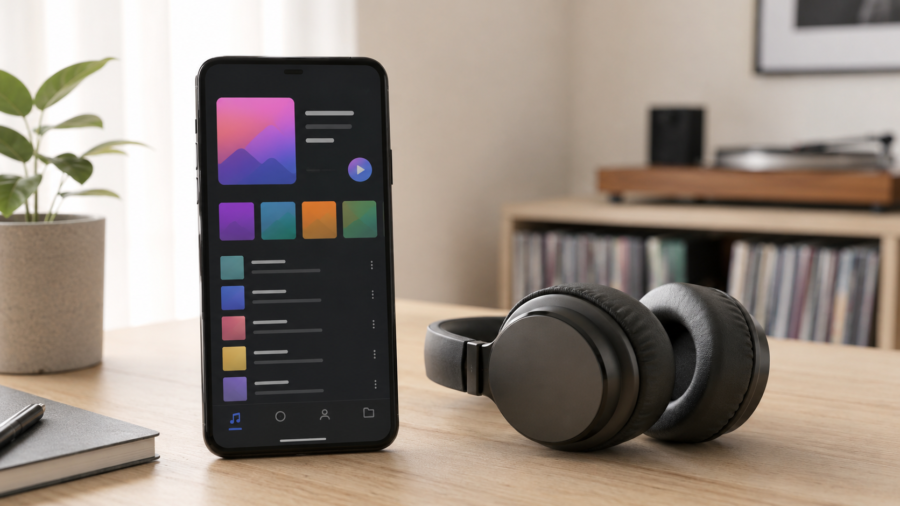
Finding a clean Android app for music, MP3 files and playlists can be harder than it should be.
Some apps focus only on playback. Others are packed with confusing menus, aggressive screens or features most people never use. Lynka takes a more practical approach: it gives Android users one place to save eligible media, play local audio and video files, create playlists, manage favorites and keep their personal music library organized.
The important point is how the app should be used. Lynka is designed for authorized media only. That means user-owned files, public domain audio, royalty-free tracks, Creative Commons content or media you otherwise have the legal right to save, convert or play.
For users who already manage audio files on their phone, this can make Lynka useful as a simple everyday music companion.
What Is Lynka?
Lynka: Music & MP3 is an Android music, audio, video and MP3 tool from SSM APP. It is built to help users save, convert, play and organize authorized media on their device.
Instead of treating music as a scattered collection of files, links and folders, Lynka brings everything into a cleaner media library. You can play local music, manage audio and video files, create playlists, mark favorites and keep recently played media easier to access.
The app is especially useful for people who download or store legal audio files from different sources and want a simpler way to listen later.
For example, you may have royalty-free music, public domain audio, podcast-style files, sound effects, lecture recordings, personal recordings or other permitted media saved on your Android phone. Lynka gives you a more organized space to manage those files.
Save Eligible Media and Keep It Organized
One of Lynka’s main features is the ability to save supported and authorized media links.
This does not mean the app should be used for copyrighted or restricted content without permission. The safer and correct use case is simple: if you have the legal right to save or use the media, Lynka can help you manage it more comfortably.
That can be useful for creators, students, editors, music fans and anyone who collects permitted files for offline listening.
Instead of leaving everything in a downloads folder, you can organize your saved media in a more music-friendly environment.
Convert Eligible Media to MP3
MP3 remains one of the most convenient audio formats for Android users. It works on almost every phone, is easy to move between devices and is supported by most music players.
Lynka includes MP3 conversion for eligible media files. This can be helpful when you have permitted audio or video content and want to keep only the audio version for easier listening.
For example, a creator may want to save the audio from their own video file. A student may want to keep an authorized lecture recording in an audio-friendly format. A user may want to manage personal media more efficiently.
The goal is convenience, not copyright bypassing. Users should only convert content they own, created themselves or have clear permission to use.
Built-In Music and Video Playback
A good music app should not make playback complicated.
Lynka includes support for playing local music, audio and video files. That means you can use it not only for saved MP3 files but also for other media stored on your device.
This is useful because many Android users have media spread across different folders. Some files may come from personal recordings, some from legal downloads, and others from media projects or backups.
Lynka helps bring these items into one cleaner interface so you can listen and watch without constantly jumping between apps.
Create Playlists for Different Moments
Playlists are one of the most useful features in any music app.
With Lynka, users can create and organize playlists based on mood, activity or purpose. You might create one playlist for workouts, another for study sessions, another for relaxing music and another for audio files you want to review later.
For people who store many files on their phone, playlists save time. You do not need to search through folders every time you want to hear something specific.
A simple playlist system also makes the app easier for casual users. You open the app, choose the playlist and start listening.
Favorites and Recently Played Media
Not every song or audio file needs to be placed into a playlist right away.
Lynka includes favorites and recently played media, which helps users quickly return to the files they care about most. This is especially useful when testing new tracks, listening to downloaded audio or managing a growing local library.
Favorites work well for long-term organization. Recently played is better for daily use. Together, they make the app feel more personal and less like a basic file browser.
Lyrics, Covers and Metadata Management
Music organization is not only about playback.
Lynka also supports media details, lyrics and cover information. This can make a local music library feel more polished and easier to browse.
Metadata matters because it affects how files appear inside the app. A track with a proper title, artist name, cover image and lyrics is easier to recognize than a random file name in a folder.
For users who care about a clean library, this is one of Lynka’s stronger practical features.
Backup and Restore for Your App Library
Losing a carefully organized library can be frustrating.
Lynka includes backup and restore support for the app library. This gives users a better way to protect their organization setup, especially if they change phones, reset an app or want to keep their media library structure safer.
Backup features are easy to overlook until you need them. For a music and playlist app, they can be very helpful.
A Clean Dark Theme Interface
A music app is something people often use at night, while traveling, while working or while relaxing.
Lynka’s clean and dark theme compatible interface makes sense for that use case. A simple dark design can feel easier on the eyes and more comfortable during long listening sessions.
The app focuses on the core experience: saving eligible media, playing files, organizing playlists and managing a personal library.
That is a good direction because music apps should feel fast, familiar and low-friction.
Who Should Try Lynka?
Lynka may be a good fit for Android users who want a simple way to manage authorized music and audio files.
It can be useful for people who listen to royalty-free or Creative Commons music, users who store public domain audio or personal recordings, creators who manage their own media files, students who keep authorized audio lessons or recordings, and anyone who wants playlists, favorites and a cleaner music library on Android.
The app is not intended for saving DRM-protected, private, unauthorized or copyrighted content without permission. Users should always respect copyright laws and the terms of each platform they use.
Why This App Stands Out
The strongest part of Lynka is not one single feature. It is the combination.
You get a media saver for eligible content, an MP3 conversion tool, a local audio/video player, playlists, favorites, recently played items, metadata tools and backup support in one app.
That makes Lynka more than a basic music player.
It is closer to a compact media library manager for Android users who want their authorized files to be easier to access and enjoy.
Final Thoughts
Lynka is built for people who want a simple, organized and mobile-friendly way to save, play and manage authorized music and media files on Android.
It keeps the experience practical: create playlists, mark favorites, play local files, convert eligible media to MP3 and manage your library without unnecessary complexity.
For Android users who already collect legal audio files or want a cleaner way to enjoy their personal media library, Lynka is worth trying.
Download Lynka: Music & MP3 on Google Play:
https://play.google.com/store/apps/details?id=com.ssmapp.downloader
Comments
You can write your views about this story. Comments may be moderated according to site settings.