
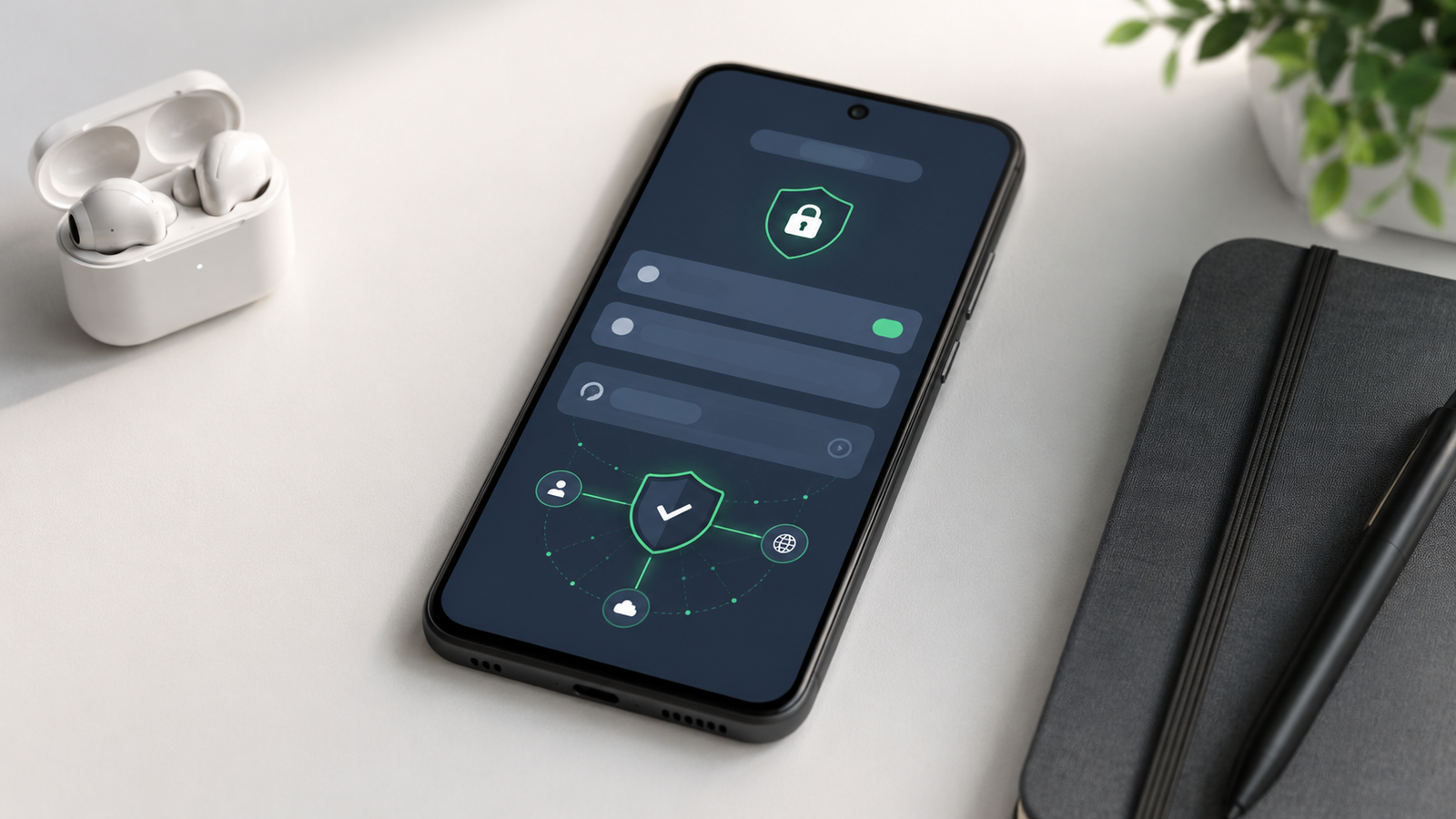
Private DNS is one of the most useful Android settings many people never notice. It helps protect the way your phone looks up websites and services.
Source context: This article is based on public reporting and official information from the source used during editorial preparation.
What Private DNS means
DNS turns website names into internet addresses. Private DNS encrypts that lookup between your device and a trusted DNS provider when supported.
It does not make you anonymous and it is not the same as a VPN, but it can improve the privacy of DNS requests.
How to find the setting
On many Android phones, Private DNS is under Settings, then Network and internet. Some manufacturers move the menu, so searching Settings for Private DNS is often easiest.
Should you turn it on?
For most users, Automatic is safe. Advanced users can enter a trusted provider hostname, but random DNS hostnames from unknown sites should be avoided.
Private DNS is a simple privacy setting worth understanding. It can help protect lookups, but it should be used with realistic expectations.






Comments
You can write your views about this story. Comments may be moderated according to site settings.