
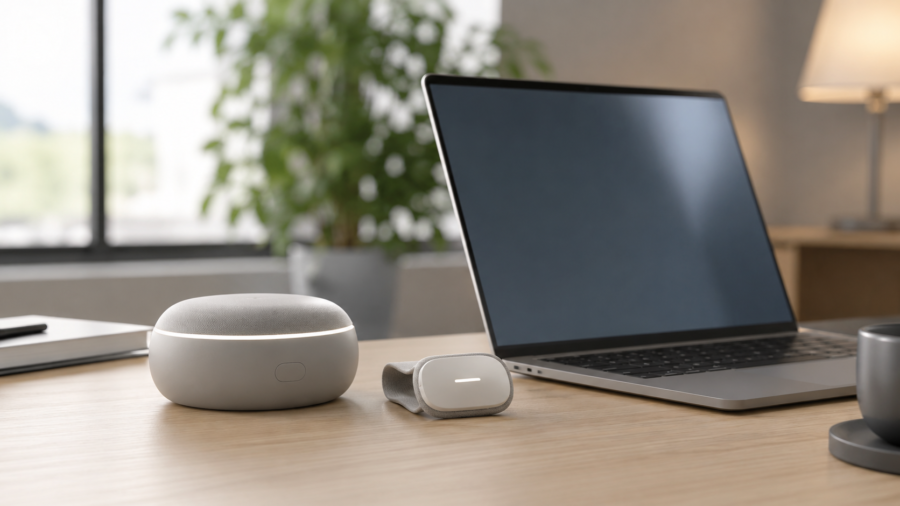
What Is Local AI on a Laptop and Why Should You Care?
AI is usually described as something that happens in the cloud. Local AI is different: the laptop handles some AI tasks directly on its own hardware.
What local AI actually means
Local AI, also called on-device AI, means an AI model runs on your device instead of sending every request to a remote data center.
Modern laptops may use CPUs, GPUs and NPUs to process tasks such as live captions, smart search, background blur and small assistants.
Why privacy and speed matter
When a task runs locally, sensitive information may not need to leave the device. It can also respond faster because the request does not travel to a distant server.
Not every task can run locally. Very large models still need cloud systems, but many everyday AI features can move onto the device.
Should you buy an AI laptop now?
There is no need to rush if your current laptop works well. But if you are already buying a new machine, local AI support may help the device stay useful for longer.
Sources Used
- Qualcomm
- Microsoft
- Apple Support
- NVIDIA Newsroom


Comments
You can write your views about this story. Comments may be moderated according to site settings.